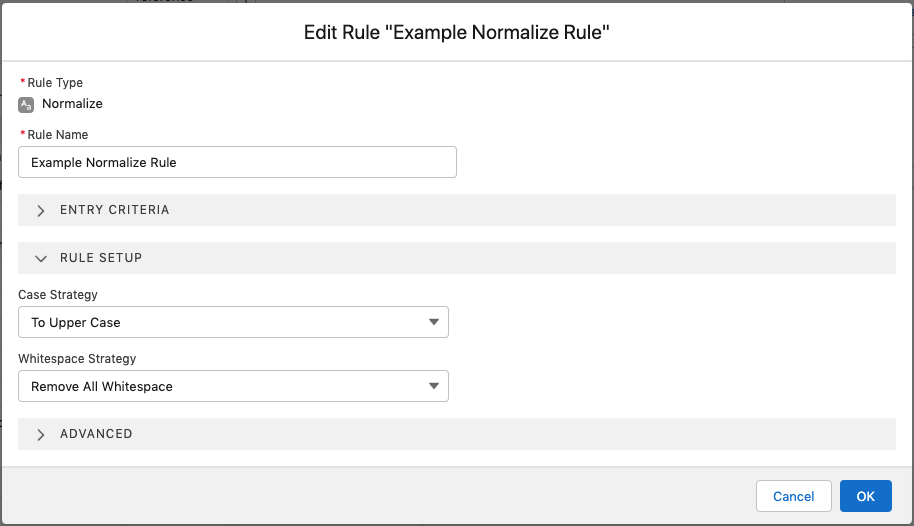
Use this rule type to change how a string is presented. For example, the raw string for a campaign code could look like ‘Save THE TIGer.’ You can use a normalize rule to change that to ‘savethetiger.’
| Setting | Description |
|---|---|
| Case Strategy | Define how to handle capitalization. Select None to not normalize case. Select To Upper Case to change all characters to uppercase. Select To Lower Case to change all characters to lowercase |
| Whitespace Strategy | Define how to handle whitespace. Select None to ignore whitespace. Select Trim to remove whitespace at the start and end of the string. Select Remove All Whitespace to remove whitespace anywhere in the string. |